
NOTE: This blog post is heavily inspired by Programming With Style ↗.
My journey starts with me reading How I Hacked my Car ↗ from Programming With Style. It was the summer of 2022, and I had zero knowledge about embedded devices like the car IVI system.
Interesting post for real
So I read the post and thought 'If Kia(or Hyundai) has that little security knowledge, I might do the same thing as that dude on my dad's car!'
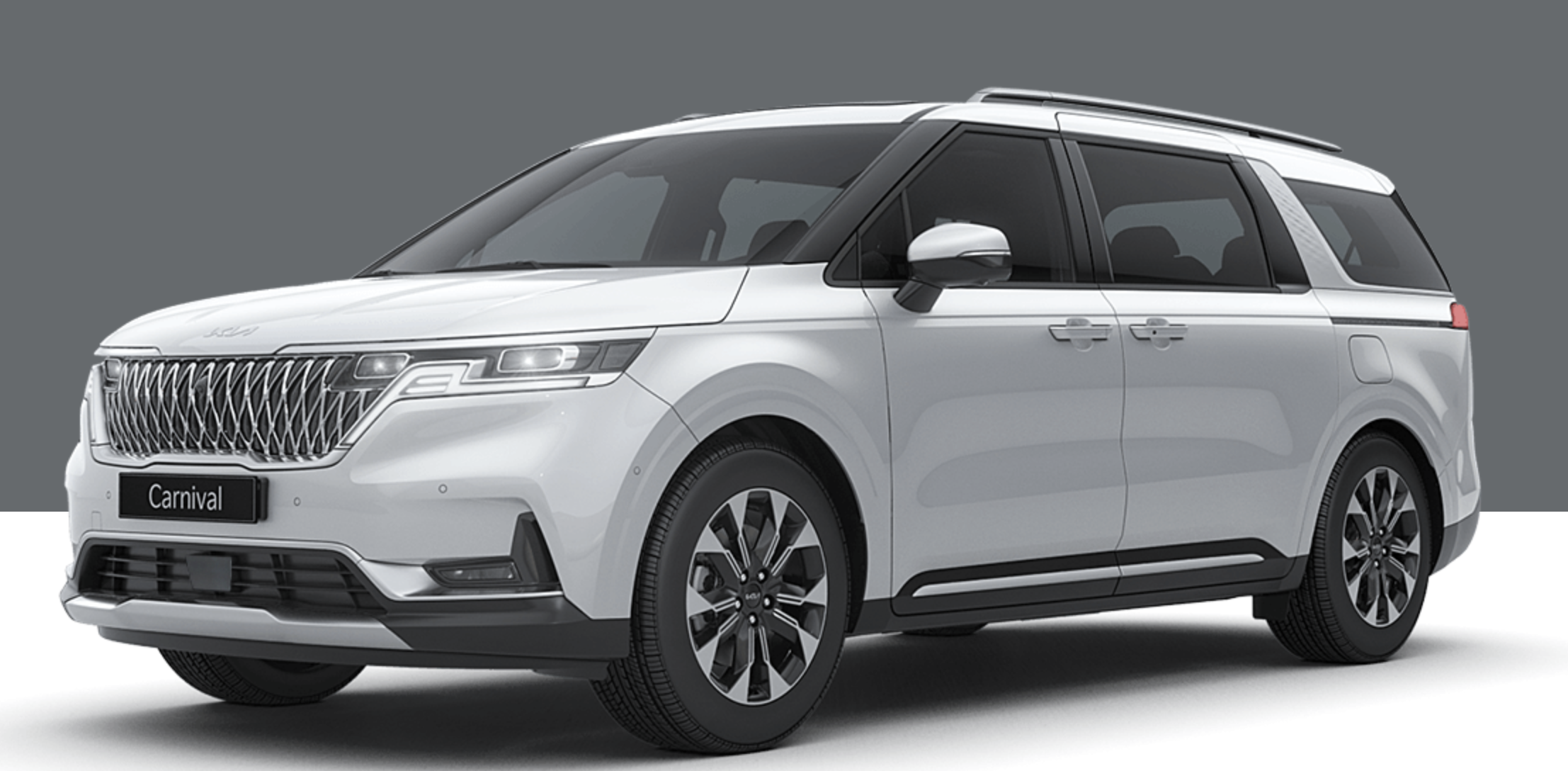 FYI, my dad's car is Kia Carnival 2022(aka KA4).

 So right after that, I went to the Kia update site. But there was a problem. On the greenluigi's(the author of 'How I Hacked my Car') screenshot there was a button to download the firmware as a zip file. But when I entered the site, there was no zip download option available. I noticed that on the US site, the zip file is available but not on the KR site. That's weird... Anyway, I ignored it and downloaded the matching firmware from the US site. After putting the zip password found by greenluigi, I was finally able to see the real firmware files.
Wait, I can download the Korean firmware as well!
But I was a bit skeptical about this discovery. I mean most firmware in the world uses different files to support region-locked content and Kia was no exception... In Korean firmware, the car has a built-in AI assistant that's made by Kakao, a Korean company. And of course, that shouldn't be in the US firmware!
 At this moment I discovered something new. You can download the KR firmware as well! ...but with their own software update app. Thankfully it supports macOS so I downloaded the app and downloaded the firmware.
Download complete! now let's check the zip file... Oh.
There's no zip file.
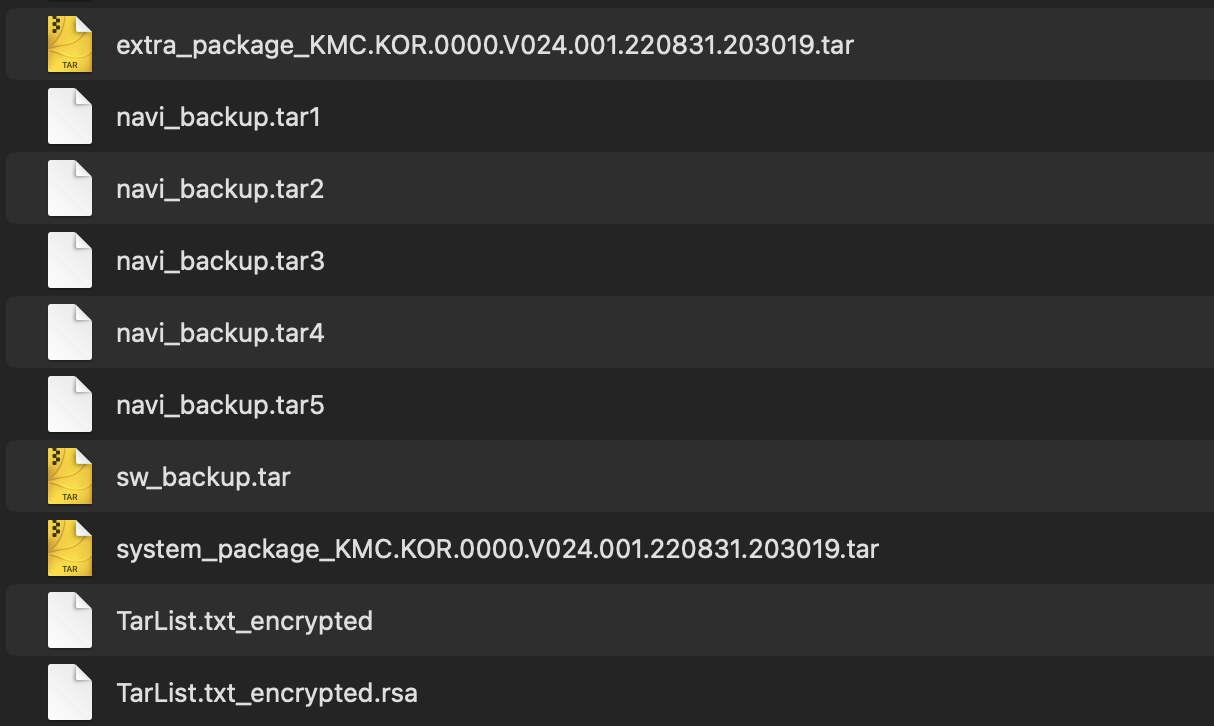 When I checked the download folder, there were no zip files. Only some tar files and that's it. I felt something was wrong and rechecked the model, but everything was right, exactly the same model and exactly the same region.
This is where I realized that US and KR firmware are very different. But the strange thing is that if you download the US firmware via the software update app, you get almost the same tar files and not one zip file.
And soon I was able to make a major discovery.
Welcome to the Gen5W world!
I found an XDA thread that is also about hacking Kia car IVIs ↗. After some digging, I found that there were a surprising amount of variations of the same car model. These variants are shown on the software version in settings. My dad's car had G5W_M which means it's a Gen5W model. And to my surprise, I was quickly able to find some information about hacking Gen5W models ↗. Their way to hack is to install a modified AppNavi file. Unfortunately, though, Kia quickly noticed it and blocked the option to install a custom build AppNavi. But while figuring that out, I found an interesting mode called...
Engineering mode
Engineering mode is a secret setting that you can access via a hidden password. It's something like Samsung phones' Test Mode app but with more awesomeness. To install a custom AppNavi file(...or at least to figure out that it's already blocked), you need to enter this setting. So I tried a lot of methods available online and finally found the one that works on my dad's car. Play FM radio at volume 2, go to settings -> general, tap the left side of the update button 5 times and 1 time on the right aaaaand...
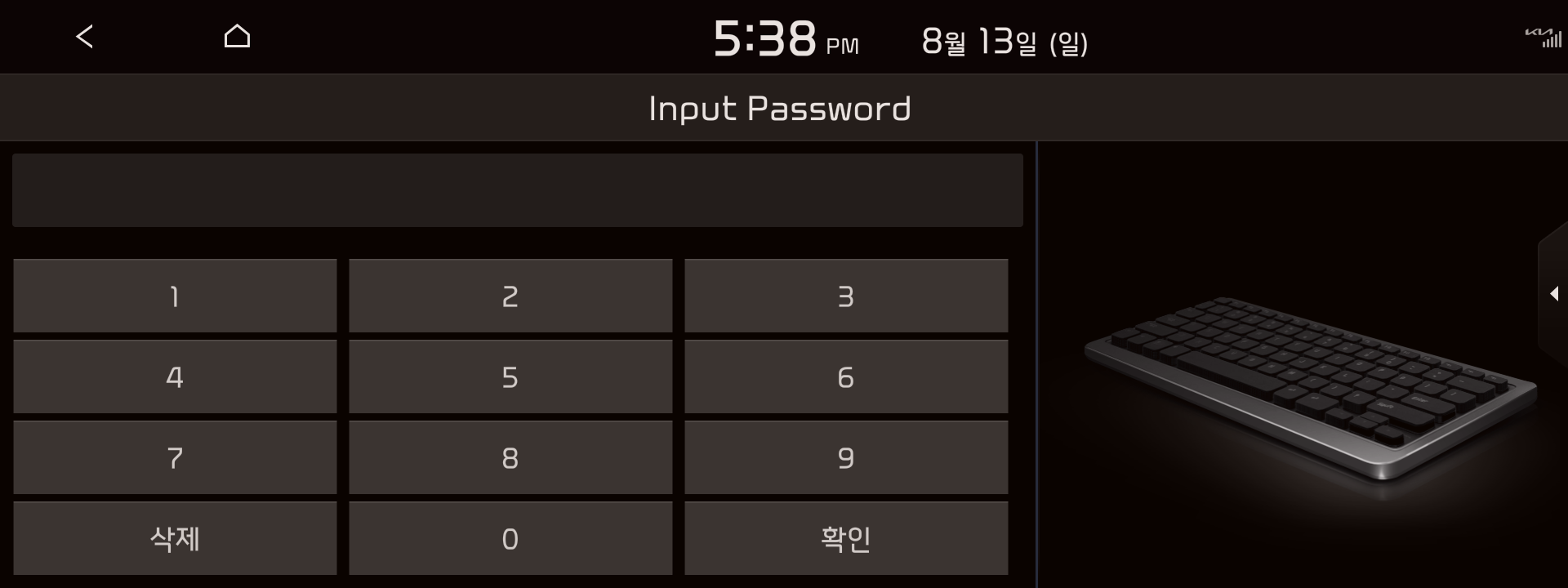 Password screen. It was
 2702 back in the day (Kia changed the password algorithm. Now it's 19190413).
Typing the password aaaand... yes! I just entered a scary(but awesome) menu!
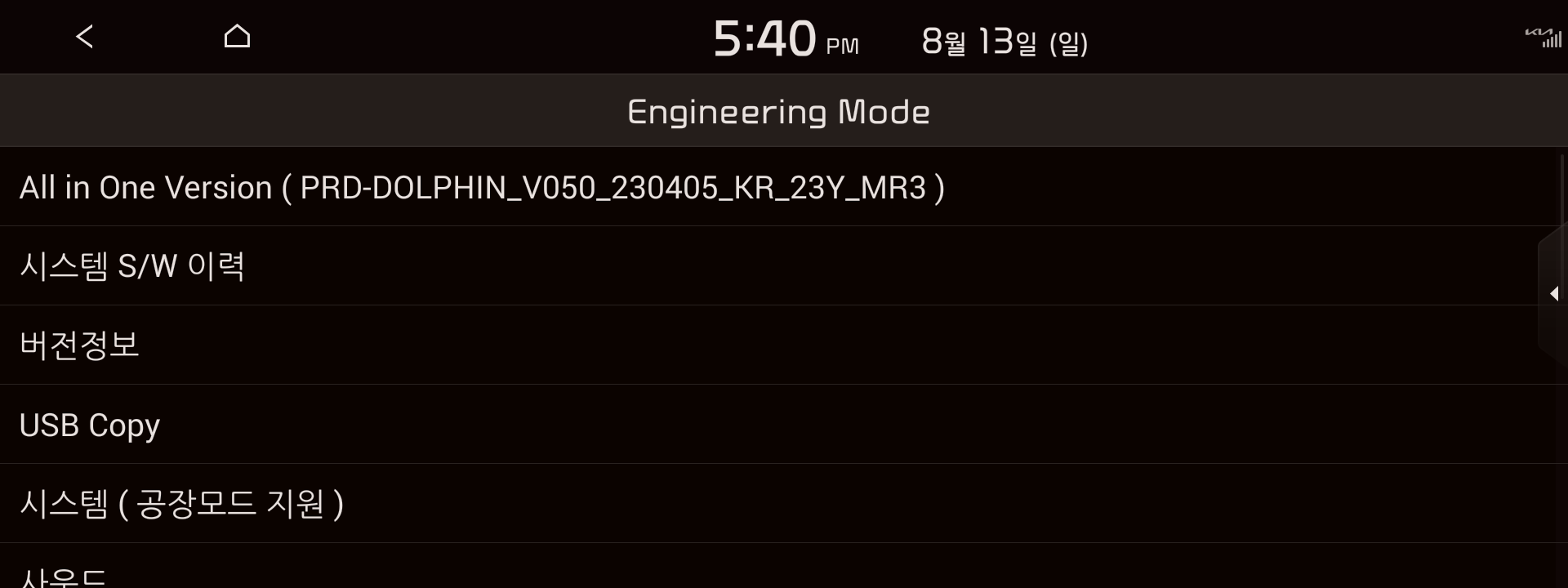 This is what you'll see in engineering mode. It looks a bit too plain, but it's only for engineers so I get that.
When I entered this mode for the first time I told my dad to go home first and literally dig through every menu. Apparently, it's based on Android 4.4.2... which is about 10 years old... bruh
And while I was doing it, I found some important menus.
Module Info, and USB Copy.
Module Info has lots of module test buttons but on the third page, there's a menu called 'Log'. It might not seem to be that interesting, but it's probably because you didn't see what things they log from your car...
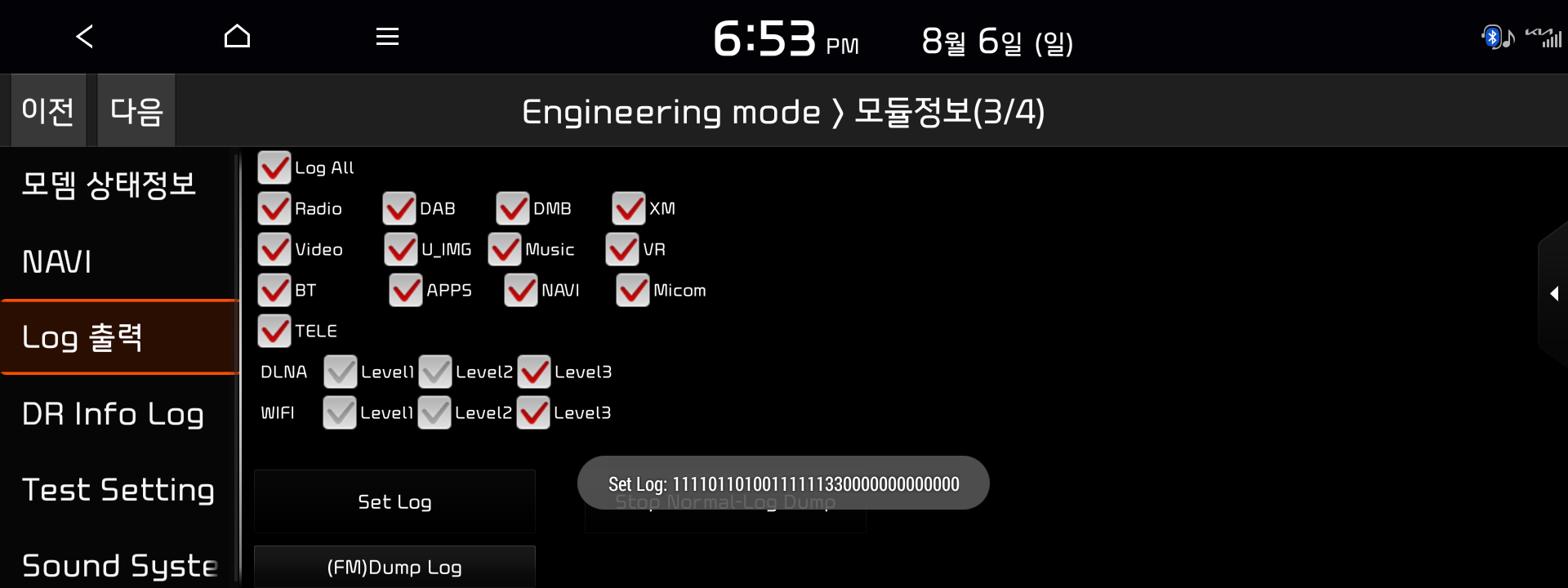 Yeah... it can log basically everything from your car. Even better, it logs the whole logcat from Android and your map history, phone contacts, and more...
It normally logs on the temporary directory, but you can copy it to the USB on the 'USB Copy' menu.
Welp, what an awesome discovery! Now I can check what my dad's car is doing in the background. And again, Hyundai put a great effort to log stuff that it logs almost everything that it does(like the request and response header to check OTA updates, etc)
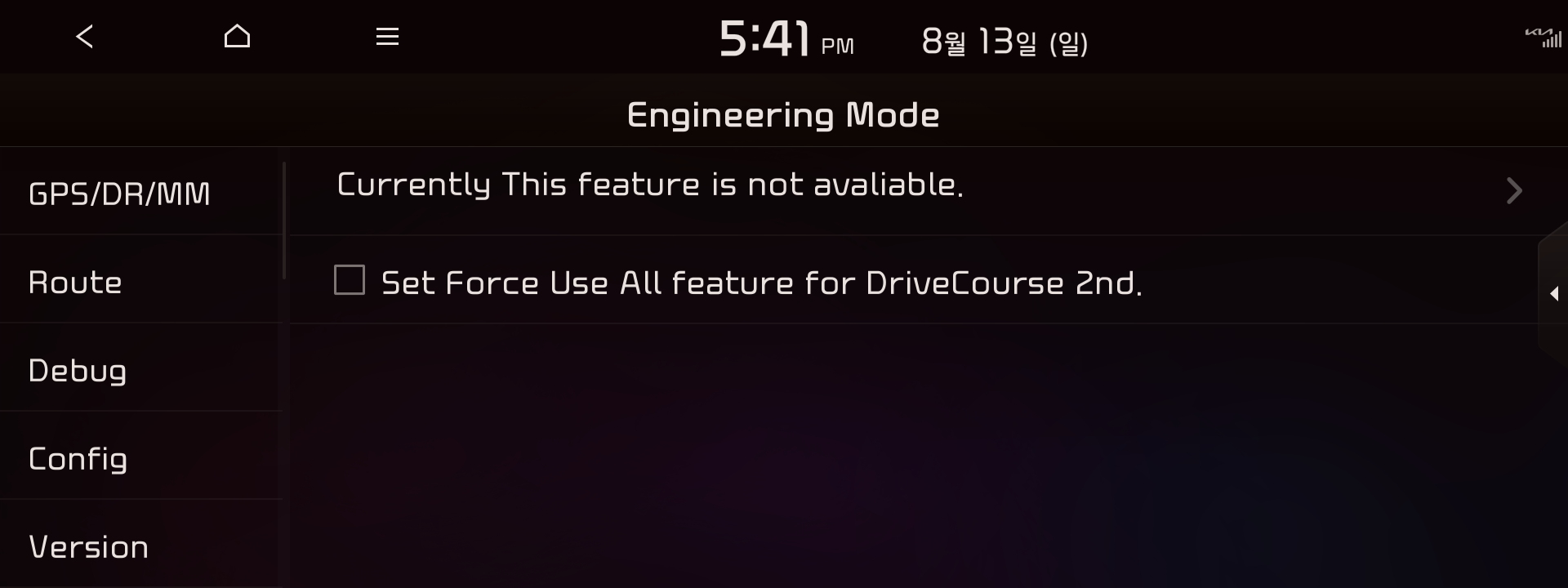
Sadly, as I said earlier, you can't replace the AppNavi file anymore. It only shows this:
To be continued...
So far I found which firmware the car is using, the file structure of the firmware, and the very secret engineering mode. I could write more on this post, but it should take a very long time to finish this post and I'm already tired of it... pwese forgiwe me ><
Spoiler alert: I can run Linux commands on my car.